Download
Get the companion
Get the companion
on your desktop
Pick a source and start talking. No API key, no account — the local model runs fully offline on your own machine.
No API key needed
Works fully offline
Windows 10 / 11
Steam
One-click install with automatic updates. The easiest way to get started.
Open on Steam →itch.io
Official project page — a plain ZIP you unpack yourself.
Open page →
Security notice. On the itch.io build Windows may warn you because the app isn't digitally signed — normal for independent software. Click “More info” then “Run anyway”. The Steam version isn't affected.
Screenshots
What you're installing



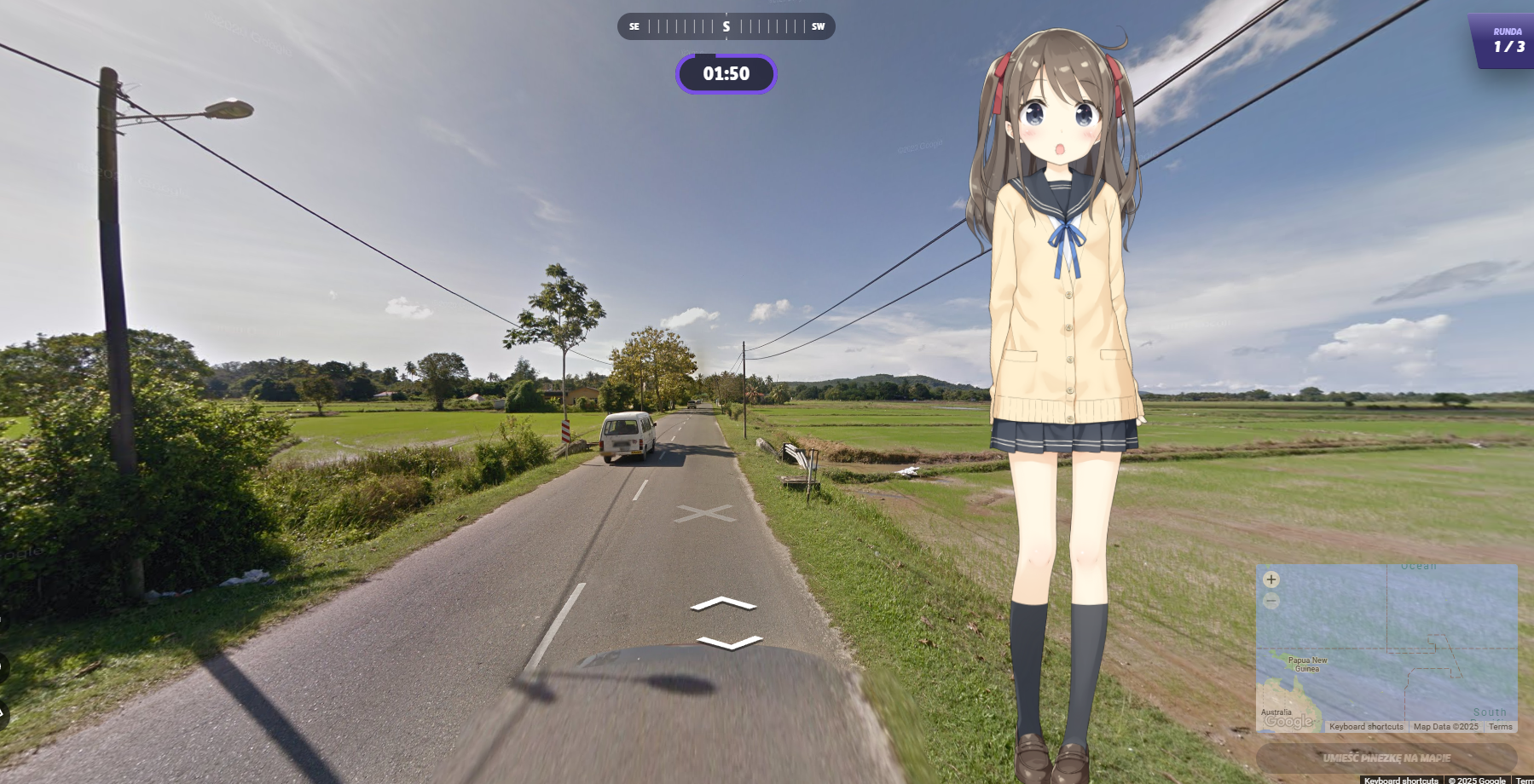
Installation
Four steps, start to finish
01
Install
On Steam just hit install. From itch.io, grab the ZIP and unpack it wherever you like.
02
Run the app
Launch it from Steam, or run YourOwnWaifu.exe from the extracted folder.
03
Set up your profile
Enter your name and pick a character. No API key and no account — the local model is ready to go.
04
Start chatting
Each character is tied to your name, so changing it gives you a fresh start.
Fully offline. The bundled local model runs on your own hardware, so you can use the companion with the internet off. Online abilities like web search are the only parts that need a connection.