Meet your advanced
AI companion
Live2D characters with real personalities. Talk about anything, get things done, and run everything on your own machine — there's a fully offline local model built in.
Windows 10/11 · free · alpha release
What it looks like
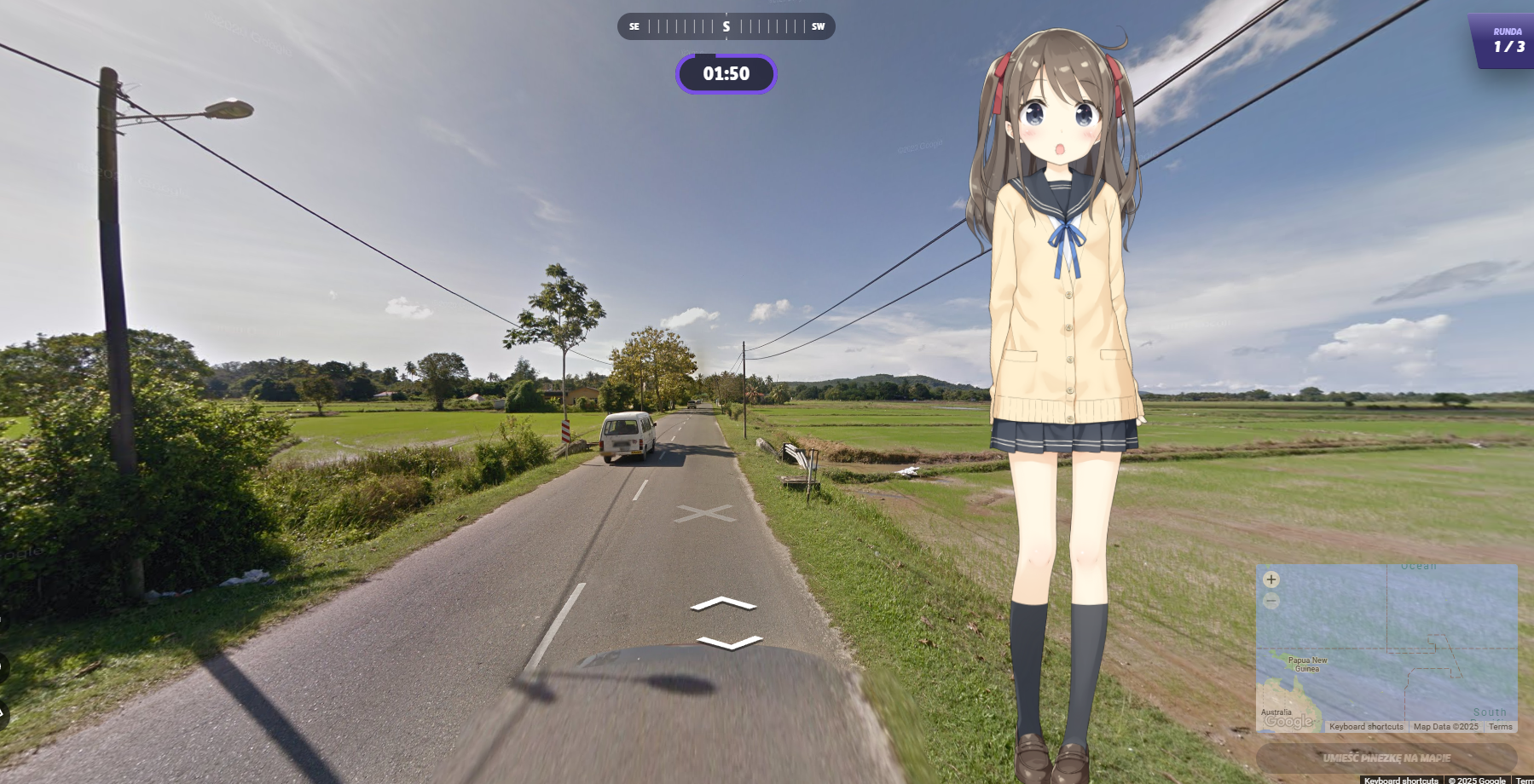
Four looks at the app running on a real desktop.



Built to feel like someone, not something
Three things make the companion worth keeping on your desktop.
Unique characters
Pick from distinct AI personalities, each with their own quirks, speaking style and traits — or drop in your own Live2D model.
Conversations that hold
Context carries across the chat, so jokes land, callbacks work and you never have to re-explain yourself twice.
Yours, offline
No API key and no account. Run the built-in local model with the internet off and nothing ever leaves your machine.
What your companion can actually do
All of it works out of the box — no API key, no registration, no extra setup.
Web search
Pulls current information from the web so answers aren't stuck in the past.
Image generation
Creates custom pictures and artwork from whatever you describe.
Screen analysis
Looks at what's on your screen to give help that fits the moment.
Open websites
Launches links and pages in your browser on request.
Code execution
Runs Python for calculations, quick scripts and problem solving.
Answer to clipboard
Copies responses straight to your clipboard for pasting anywhere.
Offline local model
Runs entirely on your own hardware with the internet off — no key, no account, no cloud.
Questions & answers
Everything worth knowing before you download.
What models and characters are included?
- GothL2D — from Sadwhale Studios
- Frieren — available on Ko-fi
- Additional models — powered by Live2D
Can I add my own models?
Yes. Drop your model folder into Resources, make sure the folder name matches the main model file (Frieren.moc3 → Frieren), and mirror the structure of the existing models.
How do I troubleshoot issues?
Reach out through the contact page or post in the community discussions. It's a one-person project, so you'll hear back from me directly.
Do I need an API key?
No. The app ships with a local model that runs on your own hardware, so you can install it and start talking straight away — even with the internet switched off. Online abilities such as web search simply need a connection.
How secure is my personal data?
With the local model everything stays on your device — nothing is uploaded anywhere. If you opt into an online model instead, only those requests leave your machine.
What languages are supported?
Full support: English, Spanish, French, German and Portuguese. Many other languages work too, with occasionally lower quality.
Ready to meet your new AI friend?
Install it, run it, and see what makes this companion different. Completely free, no API key, works offline.